MonoGo.Engine.DesktopGL
1.1.4
See the version list below for details.
dotnet add package MonoGo.Engine.DesktopGL --version 1.1.4
NuGet\Install-Package MonoGo.Engine.DesktopGL -Version 1.1.4
<PackageReference Include="MonoGo.Engine.DesktopGL" Version="1.1.4" />
<PackageVersion Include="MonoGo.Engine.DesktopGL" Version="1.1.4" />
<PackageReference Include="MonoGo.Engine.DesktopGL" />
paket add MonoGo.Engine.DesktopGL --version 1.1.4
#r "nuget: MonoGo.Engine.DesktopGL, 1.1.4"
#:package MonoGo.Engine.DesktopGL@1.1.4
#addin nuget:?package=MonoGo.Engine.DesktopGL&version=1.1.4
#tool nuget:?package=MonoGo.Engine.DesktopGL&version=1.1.4

Welcome to MonoGo!



Cross-Platform .NET 8 C# 2D game engine build ontop of MonoGame.
Setup
The easiest way of using this game engine is to install the templates:
dotnet new install MonoGo.Templates
If you prefere a more manual process you could also install the packages one by one in your existing MonoGame project like this:
dotnet add package MonoGo.Enginedotnet add package MonoGo.Engine.DesktopGLordotnet add package MonoGo.Engine.WindowsDXdotnet add package MonoGo.Engine.PipelineInstall Optional Packages (You don't need to!):
dotnet add package MonoGo.Tiled
Of course it's also possible to build everything from source and working directly with the engine, which is very useful for debugging.
Features
- Graphics Pipeline and Automated Batch\Vertex Buffer Management.
- Easy SpriteSheet-Animations.
- Texture Packing.
- Sprite Groups and Dynamic Graphics Loading.
- Input Management with GamePad support.
- Timers, Alarms, Cameras, State Machines.
- Coroutines.
- Hybrid EC.
- Scene System with Layers.
- GameDev related Math lib.
- Lightweight Collision Detection.
- Integrated Post-Processing Management (Includes Bloom & ColorGrading Effects).
- Powerful Particle-Effect-System.
- Extensive GUI-System.
- Enhanced Content Management.
- FMOD Audio Support (As a standalone Library).
Modules:
- Tiled Map Support via Tiled.
Sample Project
The sample project itself contains alot more demos, but here are some impressions at least:
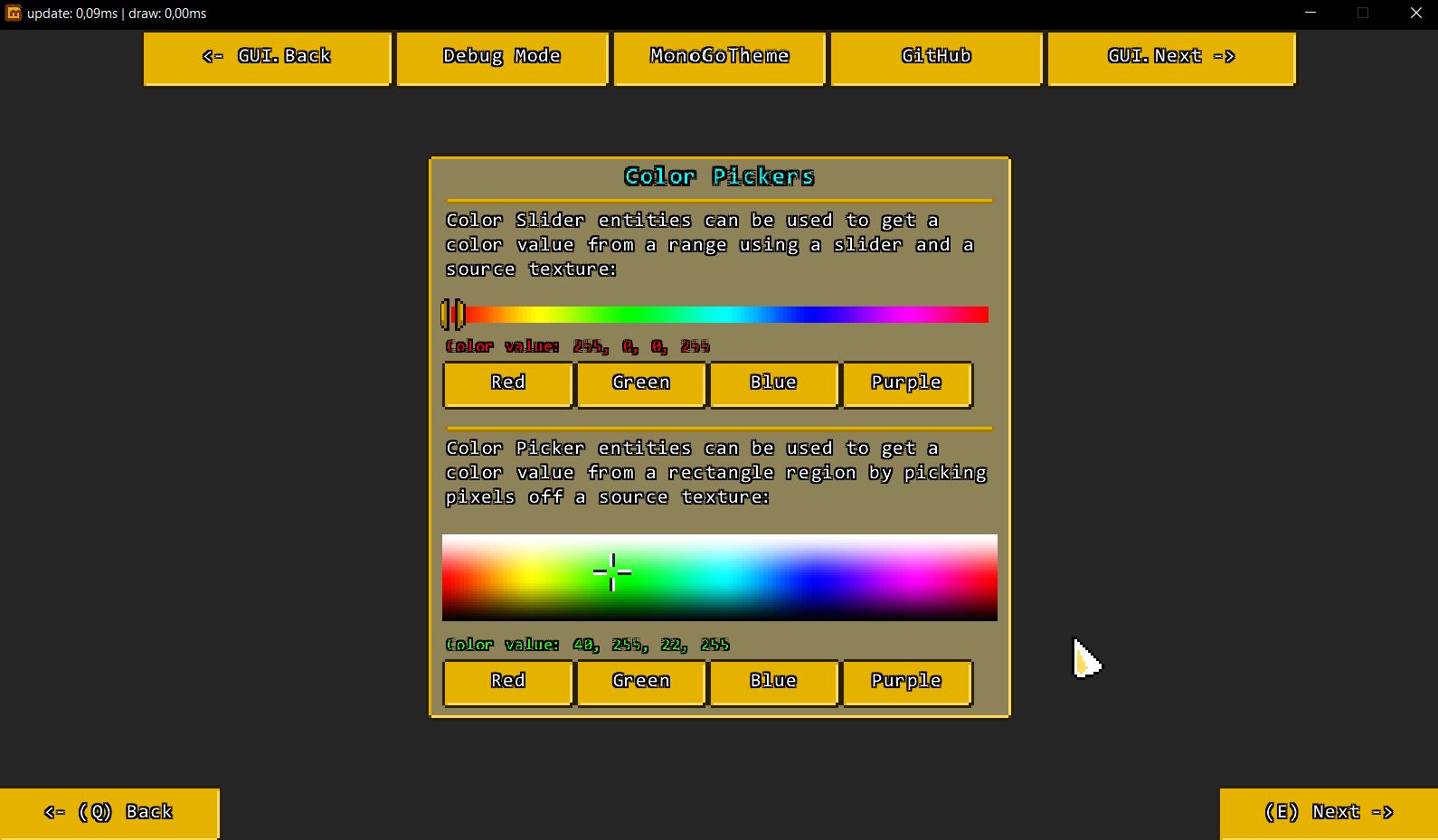
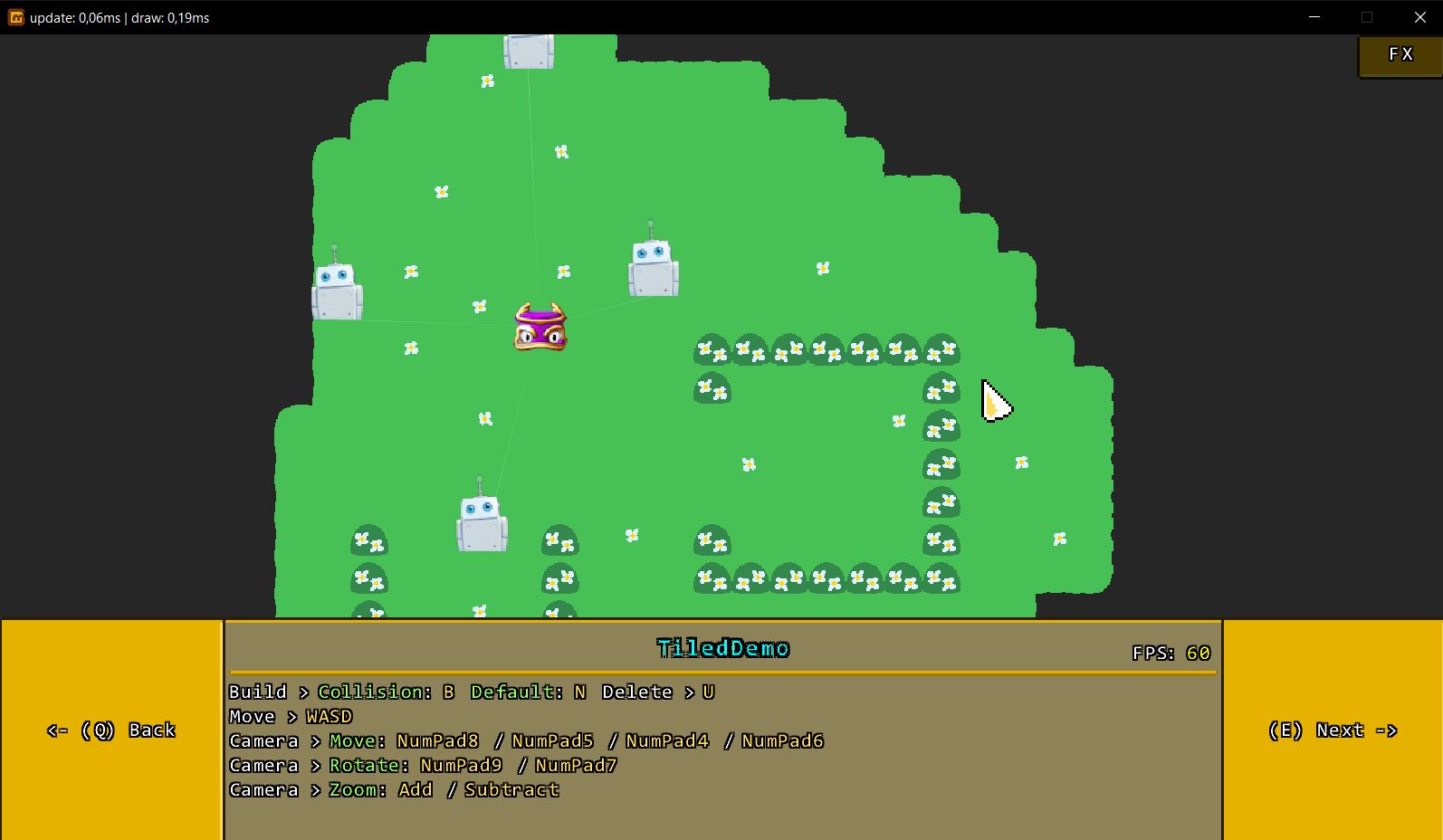
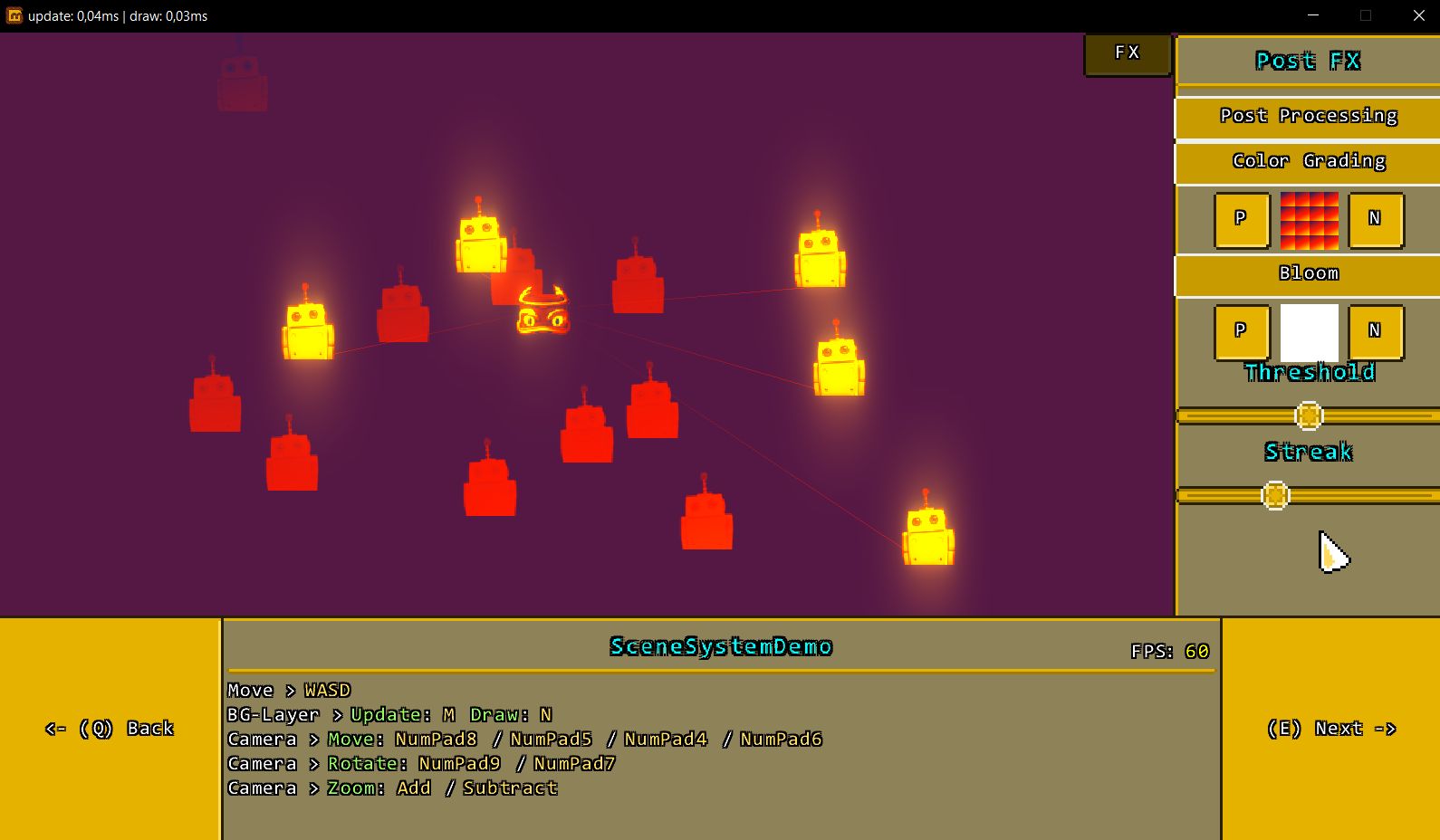
Click here to see more engine features!
Credits
- MonoGame created by MonoGame Foundation, Inc
- Monofoxe & Nopipeline created by Chai Foxes (Martenfur)
- StbImageSharp created by Roman Shapiro (rds1983)
- Iguina created by Ronen Ness
- Mercury Particle Engine created by Matthew Davey (Matt Davey)
- ColorGrading & Bloom Filter created by Thomas Lüttich (Kosmonaut3d)
- Particle Collection created by RigzSoft
For license information please take a look at the License.txt file.
Now Have Fun with MonoGo!

| Product | Versions Compatible and additional computed target framework versions. |
|---|---|
| .NET | net8.0 is compatible. net8.0-android was computed. net8.0-browser was computed. net8.0-ios was computed. net8.0-maccatalyst was computed. net8.0-macos was computed. net8.0-tvos was computed. net8.0-windows was computed. net9.0 was computed. net9.0-android was computed. net9.0-browser was computed. net9.0-ios was computed. net9.0-maccatalyst was computed. net9.0-macos was computed. net9.0-tvos was computed. net9.0-windows was computed. net10.0 was computed. net10.0-android was computed. net10.0-browser was computed. net10.0-ios was computed. net10.0-maccatalyst was computed. net10.0-macos was computed. net10.0-tvos was computed. net10.0-windows was computed. |
-
net8.0
- MonoGame.Framework.DesktopGL (>= 3.8.2.1105)
- MonoGo.Engine (>= 1.1.4)
NuGet packages
This package is not used by any NuGet packages.
GitHub repositories
This package is not used by any popular GitHub repositories.
| Version | Downloads | Last Updated |
|---|---|---|
| 1.4.0 | 53 | 3/5/2026 |
| 1.3.7 | 252 | 12/18/2025 |
| 1.3.6 | 245 | 12/18/2025 |
| 1.3.5 | 237 | 12/18/2025 |
| 1.3.2 | 401 | 12/10/2025 |
| 1.2.5 | 282 | 11/13/2025 |
| 1.2.4 | 467 | 7/25/2025 |
| 1.2.3 | 266 | 4/29/2025 |
| 1.2.2 | 199 | 4/28/2025 |
| 1.2.1 | 245 | 4/15/2025 |
| 1.2.0 | 261 | 4/14/2025 |
| 1.1.6 | 216 | 4/1/2025 |
| 1.1.5 | 213 | 4/1/2025 |
| 1.1.4 | 218 | 3/31/2025 |
| 1.1.3 | 156 | 1/28/2025 |
| 1.1.2 | 181 | 10/28/2024 |