Knowit.Umbraco.AiTranslate
1.0.2
dotnet add package Knowit.Umbraco.AiTranslate --version 1.0.2
NuGet\Install-Package Knowit.Umbraco.AiTranslate -Version 1.0.2
<PackageReference Include="Knowit.Umbraco.AiTranslate" Version="1.0.2" />
<PackageVersion Include="Knowit.Umbraco.AiTranslate" Version="1.0.2" />
<PackageReference Include="Knowit.Umbraco.AiTranslate" />
paket add Knowit.Umbraco.AiTranslate --version 1.0.2
#r "nuget: Knowit.Umbraco.AiTranslate, 1.0.2"
#:package Knowit.Umbraco.AiTranslate@1.0.2
#addin nuget:?package=Knowit.Umbraco.AiTranslate&version=1.0.2
#tool nuget:?package=Knowit.Umbraco.AiTranslate&version=1.0.2
AI Translate for Umbraco
A guided AI translation dashboard for Umbraco 17+. Translate content page-by-page or across a whole site into other languages, using your existing Umbraco.AI profile.
How it works
The dashboard guides you through four steps:
| 1. From | 2. To |
|---|---|
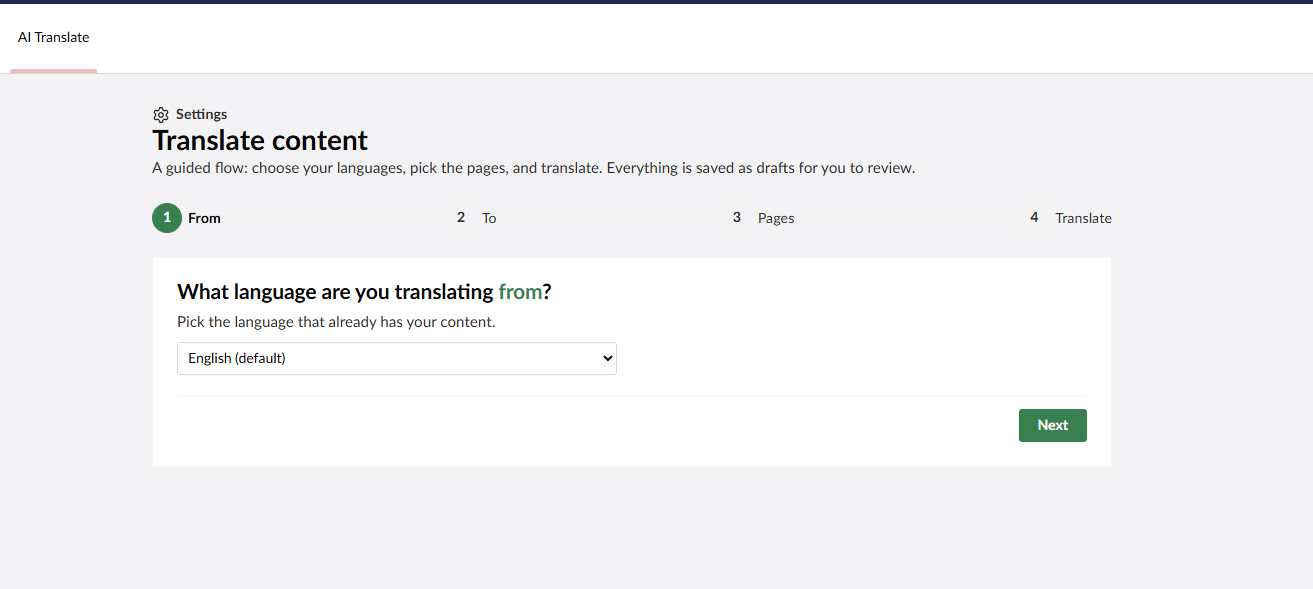 |
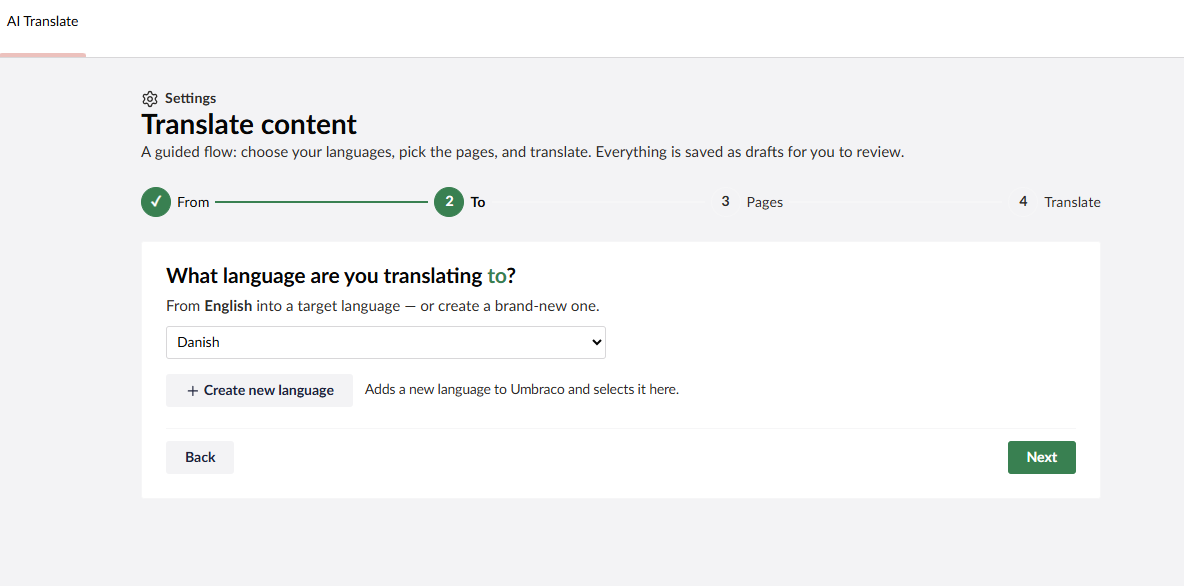 |
| 3. Pages | 4. Translate |
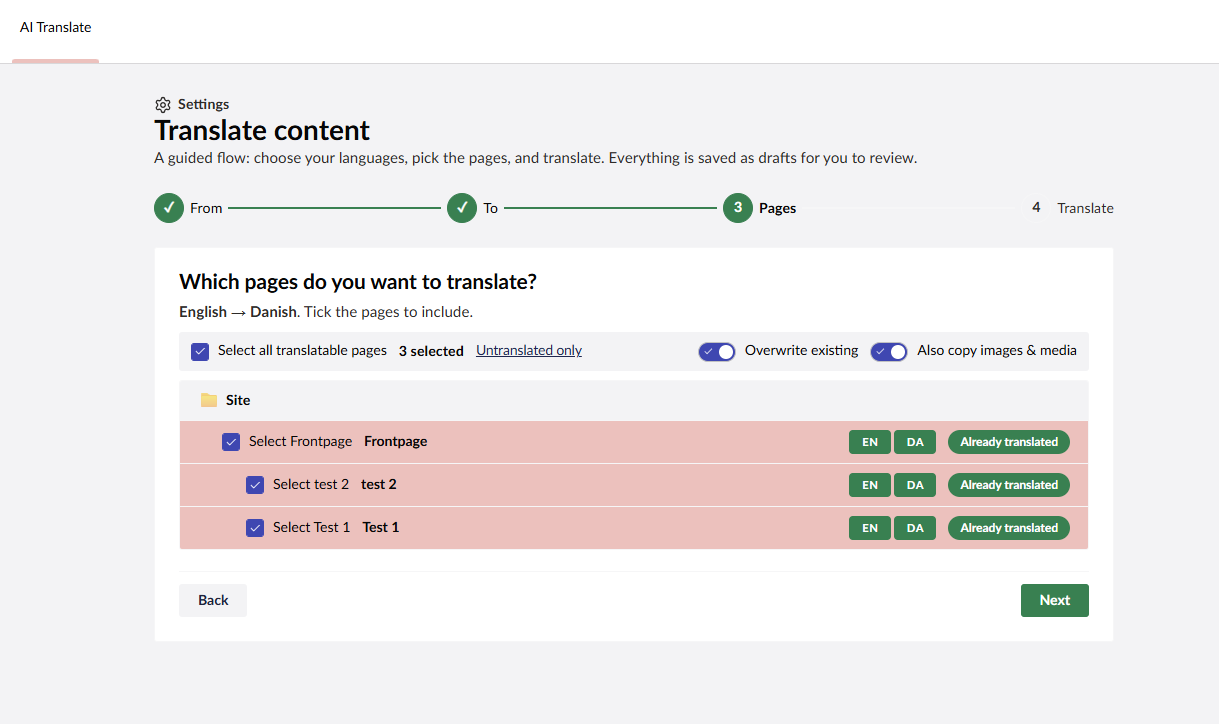 |
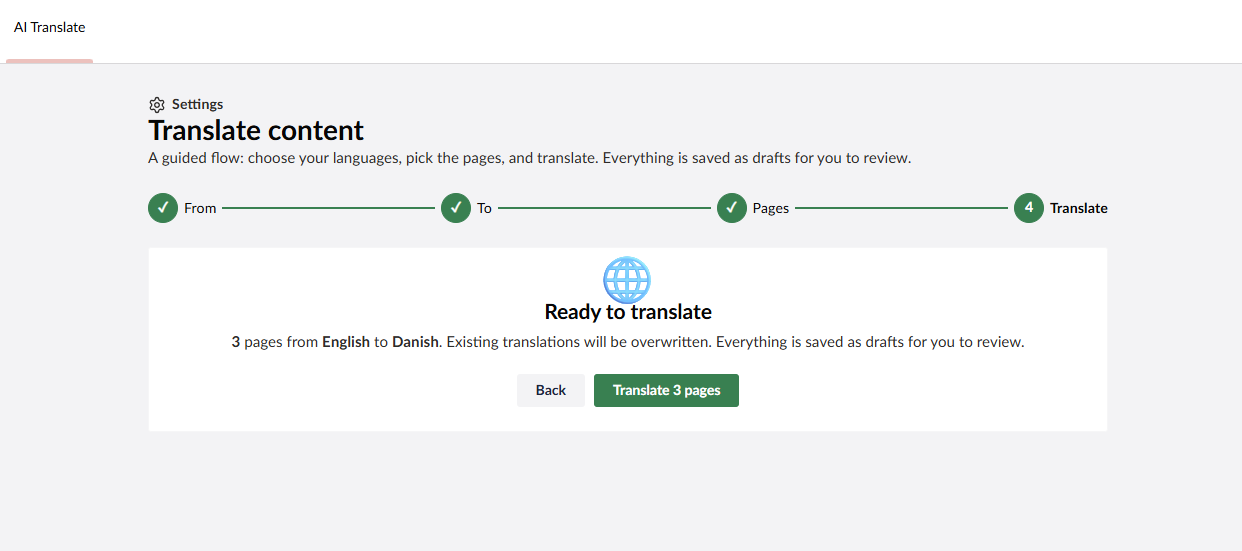 |
Features
- Guided wizard — From → To → Pages → Translate.
- Create a language on the fly and translate a whole new site into it.
- Pick pages from a content tree with per-pair status, or translate the whole site.
- Overwrite existing translations or keep them, with a toggle.
- Media references are copied across to the target language (toggle).
- Links (MultiUrlPicker) keep their destination — only the title is translated.
- Setup guide when no AI profile is configured, with a live connection check.
- Settings to point at any AI profile alias and managed prompt alias.
- Translations are always saved as drafts for human review before publishing.
Requirements
- Umbraco CMS 17.4+
- Umbraco.AI (this package depends on it) with a working profile.
Installation
dotnet add package Knowit.Umbraco.AiTranslate
The dashboard appears in the Content section as AI Translate.
Configuration
By default the dashboard uses:
- Profile alias:
content-assistant - Prompt alias:
ai-translate
Both are editable from the dashboard's ⚙ Settings panel (stored per browser). To customise the translation instructions, create a prompt with the configured prompt alias in the AI section; otherwise a sensible built-in prompt is used.
License
MIT
| Product | Versions Compatible and additional computed target framework versions. |
|---|---|
| .NET | net10.0 is compatible. net10.0-android was computed. net10.0-browser was computed. net10.0-ios was computed. net10.0-maccatalyst was computed. net10.0-macos was computed. net10.0-tvos was computed. net10.0-windows was computed. |
-
net10.0
- Umbraco.AI (>= 1.12.0)
- Umbraco.Cms.Api.Management (>= 17.4.2)
NuGet packages
This package is not used by any NuGet packages.
GitHub repositories
This package is not used by any popular GitHub repositories.
| Version | Downloads | Last Updated |
|---|---|---|
| 1.0.2 | 124 | 6/30/2026 |